
Makeup Mania Roblox Game – Makeup & Styling Guide
Makeup Mania Roblox game lets you paint makeup, style hair and accessories, compete in themed rounds and vote on looks. Read the tools and controls guide.
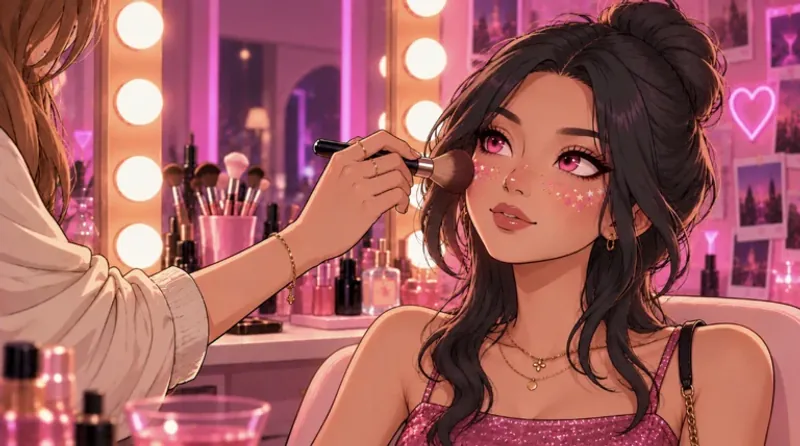
Open Makeup Mania in Roblox to create and compete in themed makeup rounds.
Play on Roblox












Face Painting Meets a Themed Fashion Round
- Category
- Simulator Games
- Platform
- Roblox
- Mode
- Themed makeup competition
- Developer
- Make-up Mania!
- Status
- Beta
Makeup Mania is a Roblox experience from Make-up Mania! centered on creating looks and competing in themed rounds. Its makeup editor gives you direct control over painted marks, alongside hair and accessories that help turn a face design into a complete character style. The interesting decisions begin with the brush. Color, size and strength affect the mark you make, while Mirror and Undo support symmetric designs and revisions. Start with settings you can control, then build the look in stages. A dramatic eye shape or lip color can serve as a focal point without every area needing the same intensity. The theme gives each round a shared direction, and voting asks you to look at other players’ work after making your own. Think about whether the design communicates the theme, how its colors fit together and how the hairstyle frames the makeup. The Roblox description connects voting with rewards, without requiring you to memorize a particular winning formula. The experience is labeled Beta. The developer community shares updates, and the available content can change as the game develops. Roblox currently labels it Moderate maturity for ages 16 and above, including free-form user creation, with servers supporting up to ten players. Use your Roblox account and app to enter the experience, then follow the controls visible in the current editor.
How to Play Makeup Mania Roblox Game
Controls
Open the Roblox experience and join a server. Read the round’s theme before beginning your face design. Pick a main color direction and decide which parts of the face will carry the look: eyes, lips, cheeks and the surrounding hairstyle can work together toward the same theme. Select a category in the face editor, then choose a color from the palette. Paint with pointer strokes and adjust Brush size and Strength as you work. A smaller brush is helpful when you want a more controlled stroke, while the strength setting changes how intense the application appears. Make a small mark first so you can judge your settings before covering a larger area. Use Mirror when you want corresponding work on both sides of the face. If a stroke does not suit the look, Undo lets you reverse it; Clear gives you a way to remove work and start again. These tools make deliberate revision part of the process, so you do not need to keep painting over an unwanted shape. Open Hair + Accessories to frame the face with styling choices. Compare the hair and accessories with your makeup colors rather than treating them as a separate outfit. The editor also has Lighting controls for viewing the look under different lighting. Finish your design for the themed round, then view other players’ submissions and vote for your favorites. Rewards are part of the competition loop.
Game Features
- Direct face painting with selectable makeup tools
- Color palette with brush size and strength controls
- Mirror, Undo and Clear for revising a look
- Hair and accessories to complete character styling
- Themed rounds with player voting and rewards
- Roblox beta experience with developer community updates
Makeup Mania Gameplay Videos & Walkthrough Guides
Makeup Tools and Roblox FAQ
Can I play directly in a web browser?
Use the Play on Roblox button to open the experience. Joining a round takes place through Roblox and may prompt you to open its app.
How can I make a softer makeup stroke?
Adjust the Strength control and try a small stroke before continuing. Brush size is a separate setting, so you can tune intensity without using a wider brush.
What should I do after a painting mistake?
Use Undo to reverse a stroke or Clear when you want to remove work and begin again. Mirror is available when your design needs corresponding sides.
Does the editor include hair and accessories?
Yes. Hair + Accessories opens styling choices around the face. Choose pieces that frame your makeup and support the theme of the current round.
What age rating does Roblox show?
Roblox labels Makeup Mania Moderate maturity for ages 16 and above, including free-form user creation. The experience is still marked Beta.