Abyssal Garden Game – Play Online
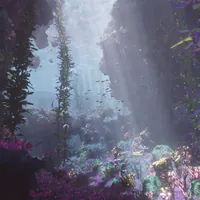
Play the Abyssal Garden game online: free-swim through a WebGPU ocean of kelp, shipwrecks, a stone whale tail, and glowing underwater scenery, with six preset viewpoints.













About Abyssal Garden
- Category
- RPG & Adventure
- Platform
- Web browser with WebGPU; desktop Chrome or Edge recommended
- Mode
- Free-swim underwater exploration
- Developer
- Noniv
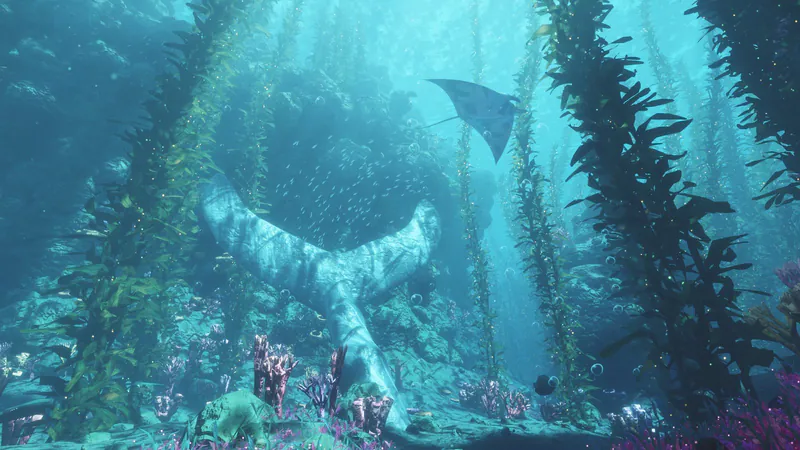
Abyssal Garden is a browser-based underwater world by Noniv. It is a free-swim exploration experience: move through a generated seascape, look around, and discover its landmarks at your own pace. There is no score, campaign, or mission, so the appeal is the atmosphere and the freedom to wander, with six numbered viewpoints to help you find your way.
The scene layers swaying kelp, sunlight and water caustics, fish, manta rays, bubbles, rock arches, and floating boulders around a sunken wooden ship, a stone whale tail, coral, sponge gardens, and a purple grotto. Some terrain is solid: the seabed, cliffs, and arches guide your movement. Plants and coral, the ship, loose rocks, sponges, and the whale-tail landmark are pass-through scenery, so you can glide through them rather than collide.
The game runs on WebGPU in the browser, and desktop Chrome or Edge is the recommended choice. Pick a detail setting before entering; lower settings keep the same world while reducing scene detail and rendering quality. Touch controls are experimental, and landscape orientation is recommended on phones. You can also download the single HTML file and open it in a supported browser to explore offline. The world and its soft rumble, distant whale calls, chimes, and bubbles are generated live as you explore.
Underwater Landmarks to Find
Look for kelp corridors, a shipwreck, sponge gardens, and shafts of sunlight in the generated seascape.
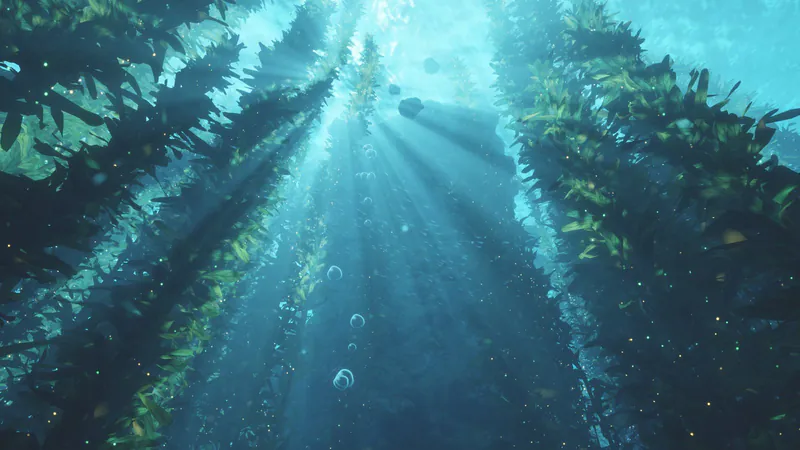
Kelp forest
A kelp passage filled with sunlight, fish, bubbles, and drifting particles.
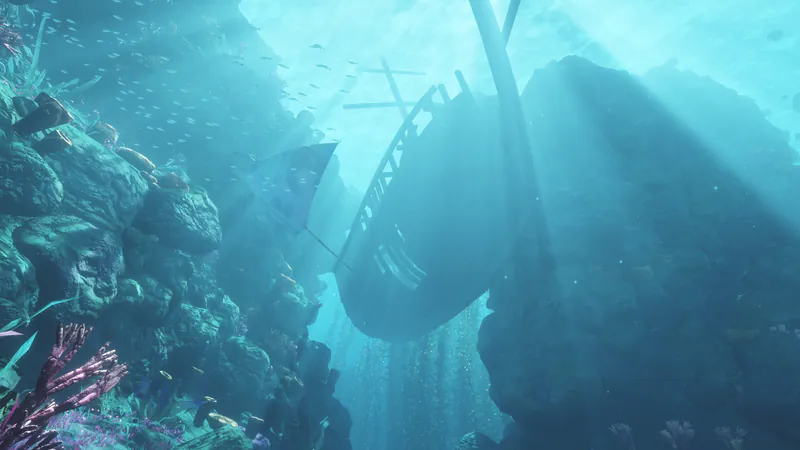
Sunken ship
The wooden ship is a pass-through landmark among the solid rocks.
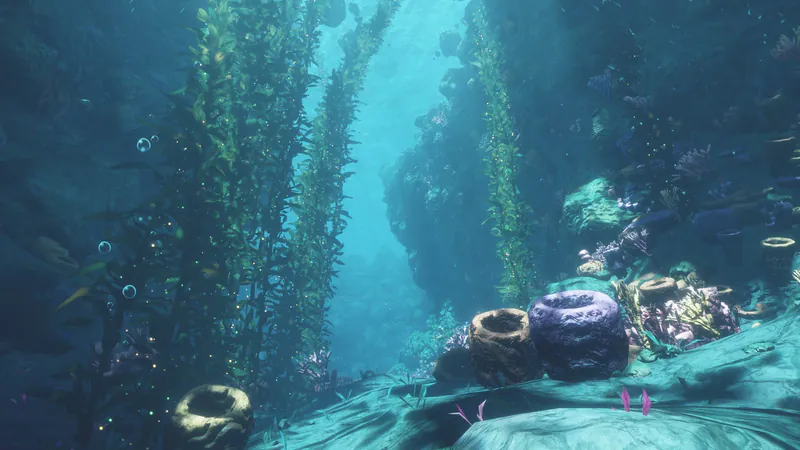
Sponge garden
Barrel sponges and coral cluster over the seabed.
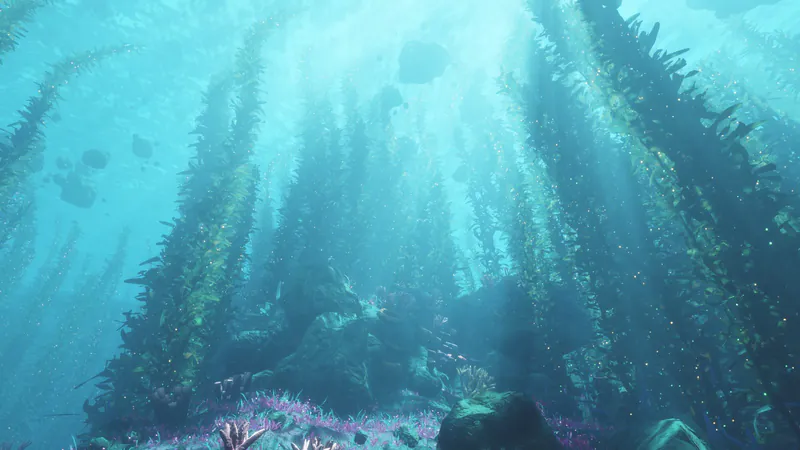
Sunlit kelp
Sunlight and caustics filter through the kelp canopy.
How to Play the Abyssal Garden Game
Controls
Click Play Now above to open the game player. On the opening menu, choose Low, Medium, or High, give the scene a few seconds to build, then select Dive In. All three levels show the same underwater world with different amounts of detail. Medium removes some leaves, sparkles, and pebbles; Low also simplifies geometry, lighting, antialiasing, and starting resolution, which can help on a less powerful device.
Wander with the keyboard and mouse rather than following a set route. The seabed, cliffs, and rock arches are solid, so they can guide you through the environment. Kelp, coral, sponges, the wooden ship, loose rocks, and the stone whale tail are scenery you can swim through. Number keys 1–6 give you quick viewpoints if you want to jump between parts of the layout.
There is no score, campaign, or mission to complete, so the fun is in looking around. Look for sunlight and caustics, manta rays, fish, bubbles, the shipwreck, sponge gardens, and the purple grotto. The underwater sounds, including a low rumble, distant whale calls, chimes, and bubbles, are created live as you play.
Game Features
- A generated underwater environment with kelp, light shafts, fish, manta rays, bubbles, and rock arches
- Distinct landmarks including a sunken ship, stone whale tail, sponge garden, coral, and purple grotto
- Free-swim exploration with six numbered viewpoints, and no score or mission to chase
- Low, Medium, and High detail settings for the same world
- Live synthesized ambient sound with whale calls, chimes, bubbles, and a low rumble
- Runs in WebGPU-capable browsers, with experimental touch controls and a downloadable HTML file that works offline
Abyssal Garden Gameplay Videos
Watch two community videos before you dive in: a no-commentary exploration of the underwater scene, and a look at the compact ocean built in a single HTML file.
Abyssal Garden FAQ
How do I start Abyssal Garden, and which browser should I use?
Choose Low, Medium, or High on the opening menu, wait for the world to build, and select Dive In. The game uses WebGPU; desktop Chrome or Edge with WebGPU support is recommended.
Is there a score or mission to finish?
There is no score or required mission. Abyssal Garden is a world to swim through, so you can explore its landmarks at your own pace or press keys 1–6 to jump between viewpoints.
What changes between Low, Medium, and High?
All three settings use the same underwater layout. Medium reduces leaves, sparkles, and pebbles; Low also simplifies geometry, lighting, antialiasing, and starting resolution. High retains the most detail.
Can I play on a phone or touchscreen?
Touch support is experimental. Hold one finger to swim forward and slide it to steer; a second finger swims faster. Use landscape orientation on a phone and begin with Low or Medium if performance is uncertain.
Can I play without an internet connection?
Yes. Download the single HTML file while you are online, then open it in a supported browser to play offline. Offline play still needs WebGPU support.
Who made Abyssal Garden, and where can I play it?
Abyssal Garden is made by Noniv. You can play the browser version at https://noniv.github.io/abyssal-garden/ in Chrome or Edge with WebGPU.