
STOMPGAME! by ikkimikka: A Short Pixel-Art Stomp Game
STOMPGAME! by ikkimikka is a short pixel-art stomp game set in a cartoon city. Pick a character, choose a giant, and start a quick run using mouse or touchscreen controls.
Open the browser version of this short pixel-art city-stomping game.
Play STOMPGAME! on itch.ioA separate Windows download is listed on itch.io.






A Short Pixel-Art City-Stomping Run
- Category
- Arcade & Action
- Platform
- HTML5 browser or Windows download
- Game mode
- Short 2D city-stomping run
- Creator
- ikkimikka
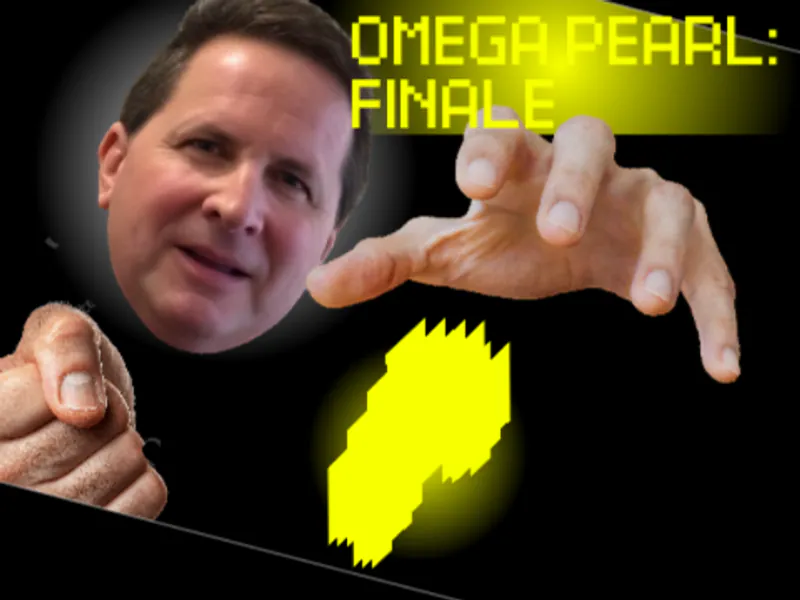
STOMPGAME! is a brief 2D simulation by ikkimikka built around a playful idea: a giant moving through a small cartoon city. The pixel-art scene makes the size contrast the star, with a large selected character towering over the city while an on-screen run counter tracks the session.
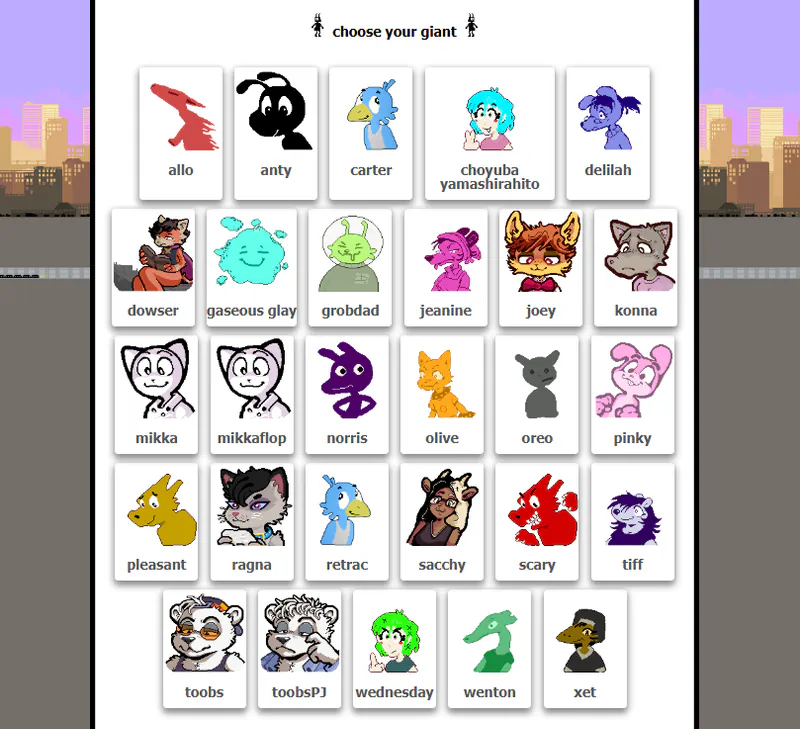
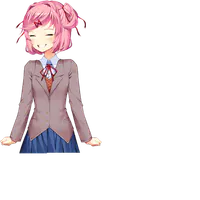
Before each run you make two choices: pick a character, then choose a giant. That small setup gives the short arcade session a personal touch before the city scene begins. Mouse and touchscreen input are both supported, so you can play with a pointer or on a touch display.
The itch.io page offers an HTML5 browser version and a separate Windows download. The browser version is the quickest way to try the game. The Windows package includes custom-character files and an editor, so those tools are part of the download rather than the browser build.
How to Play STOMPGAME!
Show controls
Click Play Now above to open STOMPGAME! on itch.io, then choose the browser-play option. If you prefer the Windows version, the same page lists a separate download.
First, pick a character. After that, choose a giant from the next selection screen. Follow the prompts on each screen and use your mouse or touchscreen to make your choices.
When the run begins, watch the city-stomping scene and the on-screen run counter. A session lasts only a few minutes, so it works well as a quick arcade break. Use the visible game controls for the actions shown during the run.
Game Features
- Short 2D simulation with cartoon pixel-art city scenes
- Pick a character, then choose a giant before the run starts
- Mouse and touchscreen controls are both supported
- An on-screen run counter shows your progress during the session
- Play in an HTML5 browser or use the separate Windows download
- The Windows download package includes custom-character files and an editor
STOMPGAME! Gameplay Videos and Run Guides
Watch two gameplay clips to see character selection and short city-stomping runs before you play.
STOMPGAME! Questions and Answers
How do I start a STOMPGAME! run?
Click Play Now above to open the itch.io page, choose the HTML5 browser option, select a character, then choose a giant on the next screen. The city-stomping run begins after those choices.
What controls does STOMPGAME! use?
STOMPGAME! supports mouse and touchscreen input. Use either one to select a character card and interact with the on-screen controls during the run. No keyboard mapping is listed for the browser build.
Can I play STOMPGAME! in a browser or download it?
You can do either. The itch.io page has an HTML5 browser version for a quick session and a separate Windows download if you want the Windows files.
What is included with the Windows package?
The Windows download is a 96 MB package that includes custom-character files and an editor. Those tools belong to the downloadable version, not the browser build.
Who made STOMPGAME!, and where can I play it?
STOMPGAME! is made by ikkimikka. You can play the browser version at https://ikkimikka.itch.io/stompgame; the same page also offers the separate Windows download.