
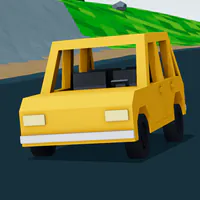
Swervle - Daily Browser Racing Game
Play Swervle at the official site: race today's map, chase a faster time, and compare your run with ghosts and leaderboard times.
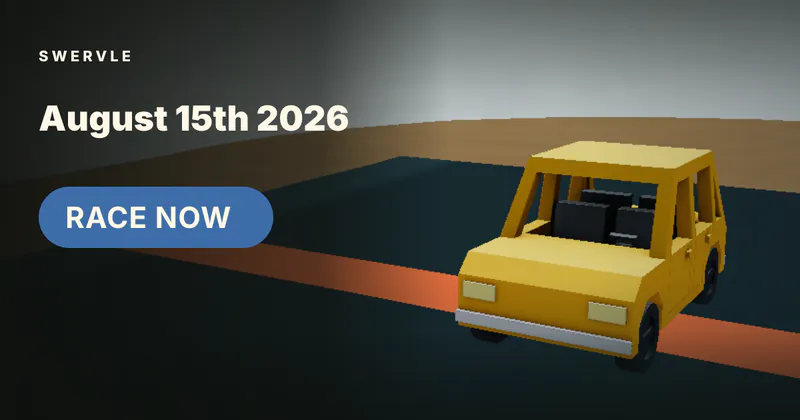
Open today's map, drive the course, and chase the fastest time.
Play SwervleSwervle requires a keyboard on a desktop or laptop; mobile play is not supported.


















About Swervle
- Category
- Racing Games
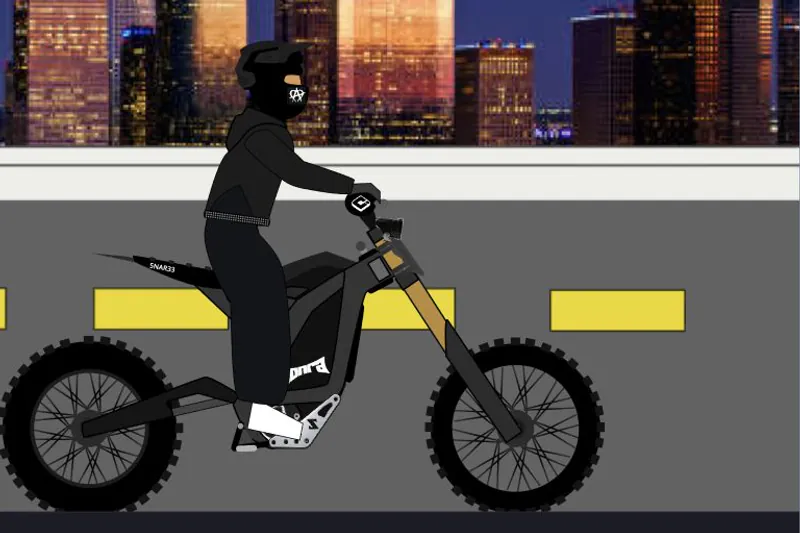
Swervle is a daily browser racing game with a new map to learn and race each day. Its courses are designed for quick attempts, so a run can fit into a few minutes while still giving you a reason to improve your line and time. The driving model uses keyboard controls for throttle, steering, handbrake, recovery, restart, camera, and ghosts. The live race screen tracks checkpoint progress, elapsed time, and speed, keeping the focus on a clean route through the course. Swervle also adds a social layer to the daily race: challenge friends, compare leaderboard times, race against recorded ghosts, and revisit previous maps. Open the official site from a desktop or laptop keyboard to start today's race.
How to Play Swervle: Race Today's Daily Map
Controls
Open Swervle on a desktop or laptop and choose Race Now to enter today's course. Steer with A and D, keep the car moving with W or Up Arrow, and use the checkpoint counter and timer to judge each attempt. Use Space for the handbrake when a tighter turn needs more control. If the car gets stuck, press R to recover; F restarts the run, C changes the camera, and G toggles ghost racing. Swervle is built around a short daily challenge. When today's run is finished, compare the time with leaderboard racers, race a recorded ghost, share a challenge with friends, or return to a past daily map.
Game Features
- A new browser racing map every day
- Short races designed to take 90 seconds or less
- Keyboard driving with throttle, steering, handbrake, and recovery controls
- Ghost runs and leaderboard time chasing
- Past-day maps and shareable friend challenges
- Desktop and laptop play with no mobile support
Swervle Gameplay Videos & Racing Guides
Watch daily recaps and leaderboard tutorials to see Swervle courses, routes, and time-saving ideas in action.
Swervle FAQ
How often does Swervle add a new map?
Swervle adds a fresh racing map every day for a new short driving challenge.
How long does a Swervle race take?
Most Swervle races are designed to take 90 seconds or less.
What are the Swervle controls?
Use W or Up Arrow to throttle, A or D to steer, Space for handbrake, R to recover, F to restart, C for camera, and G for ghosts.
Can I play Swervle on mobile?
Swervle is intended for a desktop or laptop keyboard, and mobile play is not supported.
Can I race past days or a ghost?
You can revisit past daily maps and race against recorded ghosts or shared friend challenges.