
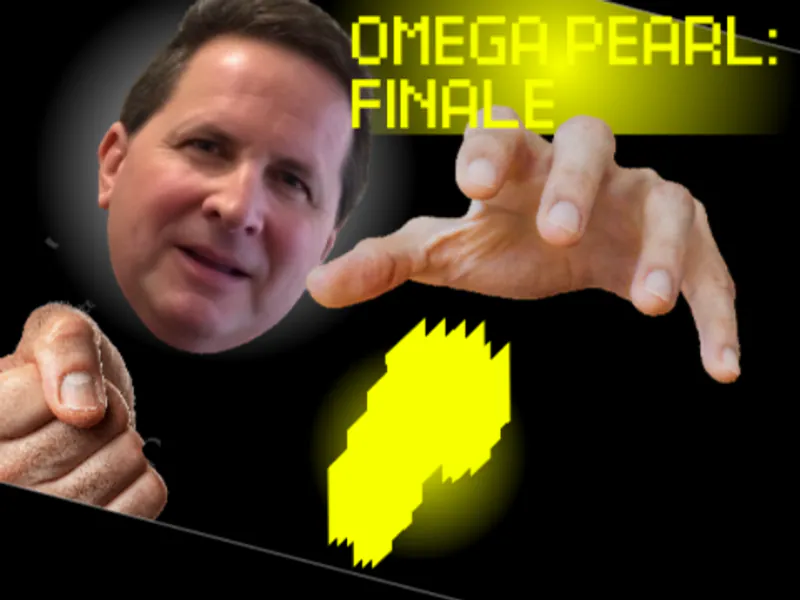
the amazing digital fly - Digital Circus Fly Simulation
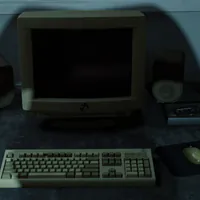
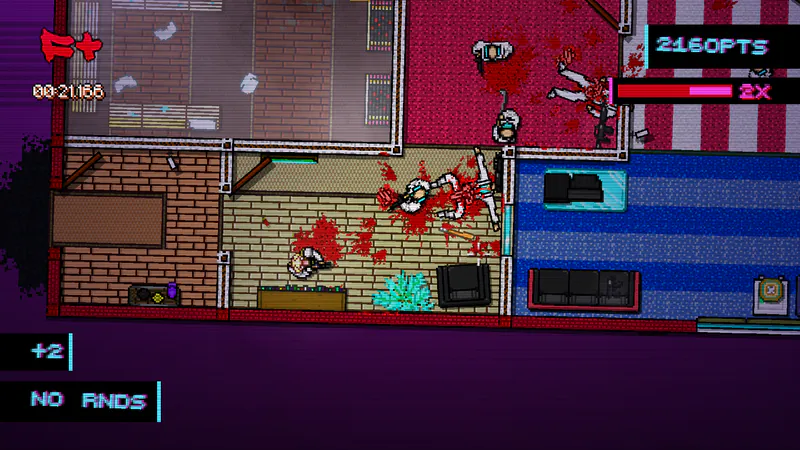
the amazing digital fly is a browser fly simulation set inside an abandoned C&A Building, with freecam exploration, fly inspection, camera views, and an experimental builder.

















About This Digital Fly Sandbox
- Category
- Arcade Games

This Digital Circus-inspired setting becomes a playful fruit-fly sandbox. You explore the abandoned building from a human viewpoint, then zoom into individual flies and their simulated neural activity. The project combines freecam discovery with a deeper toy-box: camera presets, object placement, dynamic physics, fly editing, scent drawing, and a neuron Control tab for experimental overrides. Its credits point to the Digital Circus, fruit-fly simulation, and connectomics research inspirations while clearly describing the experience as an unofficial fan simulation.
How to Play the amazing digital fly
Controls
Begin in the abandoned C&A Building and move through the Digital Circus Mainframe scene. Switch between orbit, overhead, follow, and fly-perspective views when you want a different way to read the space. Click a fly or its nametag to open an inspection window and see the neural circuit behind its movement. Builder mode adds objects, transforms, physics, and editable fly properties, while the scent brush lets you draw a trail for the simulation to react to. This is an unofficial fan simulation, so treat its behavior and brain activity as an interactive experiment rather than a scientific model.
Game Features
- Abandoned C&A Building exploration
- Four camera perspectives including a fly view
- Clickable fly and nametag inspection windows
- Builder mode with object transforms and dynamic physics
- Fly properties and simulated neural circuit controls
- Scent brush for interactive sandbox experiments
Digital Fly Gameplay Videos & Walkthrough Guides
Watch a short gameplay look before experimenting with the browser simulation.
Digital Fly Simulation Questions
What is the setting of the fly simulation?
You explore an abandoned C&A Building where a Digital Circus Mainframe is still running and a hidden fruit-fly experiment becomes the focus.
How do I move around the building?
Use WASD for freecam movement, Q and E for vertical movement, Shift for faster travel, and drag to look around.
Can I change the camera view?
Yes. Orbit, overhead, follow, and a fly's perspective are available, so the same scene can be explored from several angles.
What happens when I click a fly?
Clicking a fly or nametag opens an inspection window with neuron information and the circuit driving that fly's movement.
What can I build or draw?
Builder mode adds and transforms objects, toggles physics, and edits fly properties; the scent brush draws interactive scent in the scene.