

Martin: No Filter Fighters II Turbo – Play Online
Play Martin: No Filter Fighters II Turbo free in your browser. Pick a fighter and sidekick, adjust Turbo speed, and try Otis and the Bank of Detroit ATM bonus stage.















Martin: No Filter Fighters II Turbo: How It Continues the Original
- Category
- Arcade Games
- Platform
- Desktop and mobile browsers; Windows download
- Mode
- Arcade, Story, Versus, Training and Online
- Developer
- Perfect Squared Inc. / Tavon_The_Sage; original by TDHampton Productions
- Status
- Early Access
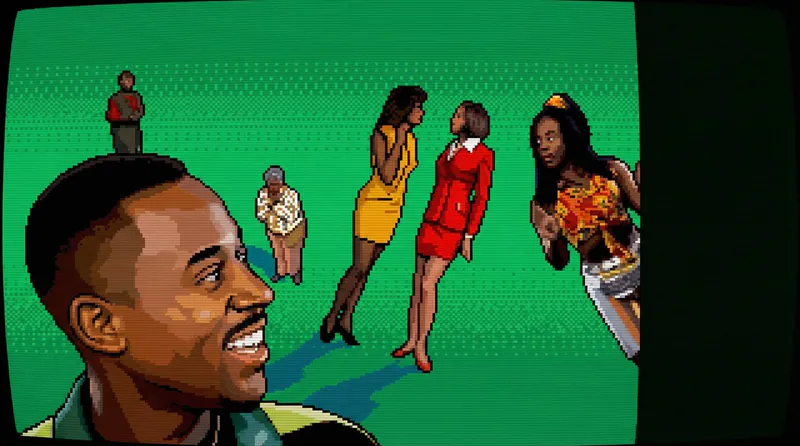
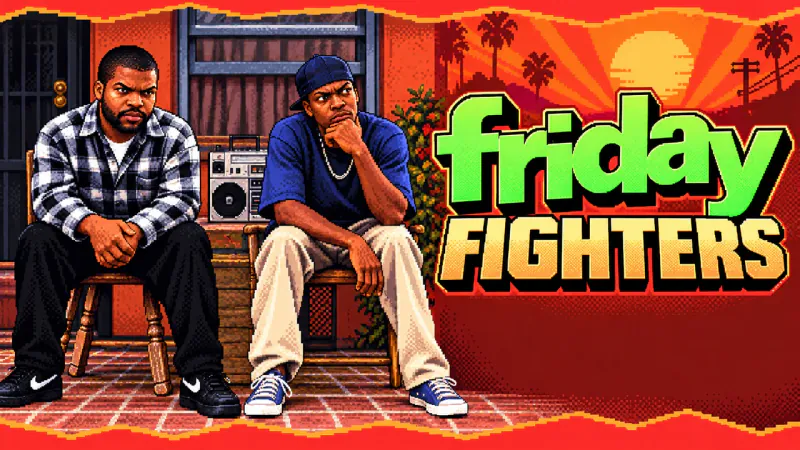
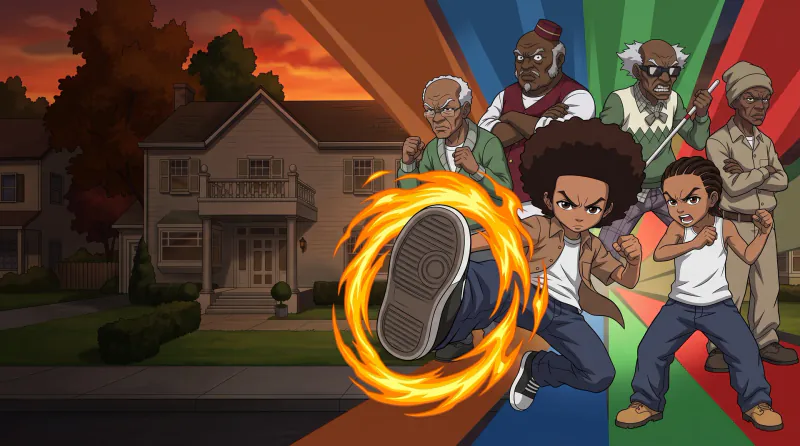
Martin: No Filter Fighters II Turbo is a free, unofficial fighting fan game built around the cast and comic personas of Martin. It continues TDHampton Productions’ original No Filter Fighters, while this Game Jolt release is published by Perfect Squared Inc., also known as Tavon_The_Sage. The original creator’s release remains a separate game listing. Neither version is an official Martin Lawrence or television-network game.
The distinction matters if you have played the original. Fighter-and-sidekick selection and online versus already appear in the original creator’s version, so those ideas are shared foundations. II Turbo adds adjustable Turbo speed, Otis, the Bank of Detroit ATM stage, the ATM bonus challenge and team chemistry. Its title changed to II Turbo in v18.3; the version described here is v18.5.
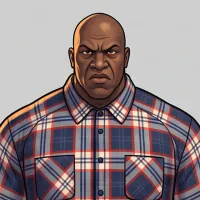
This continuation features Martin, Gina, Pam, Cole, Tommy, Sheneneh, Varnell Hill, Jerome, Bruh-Man, Dragonfly Jones, King Beef and Otis. That roster differs from the original’s list, which includes Bob from Marketing. Otis is the bank security guard: his attacks include a returning nightstick, “FREEZE!” and “Keep On Moving!” His two-bar super, “You Going Down Today, Boy!”, uses light punch, light punch, forward, light kick, heavy punch.
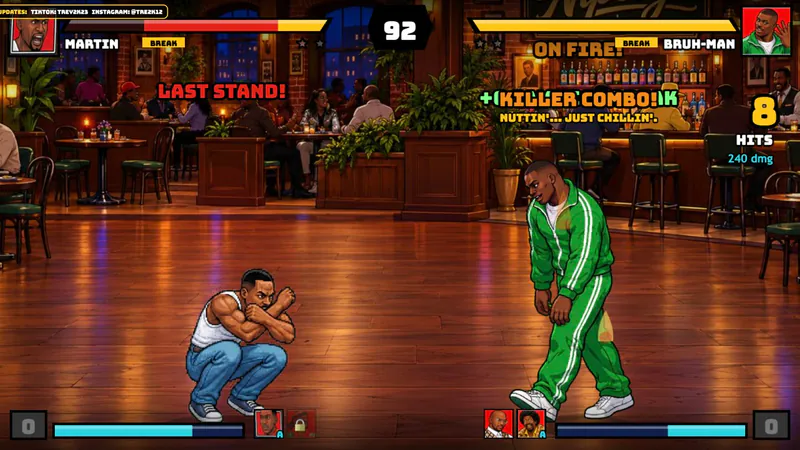
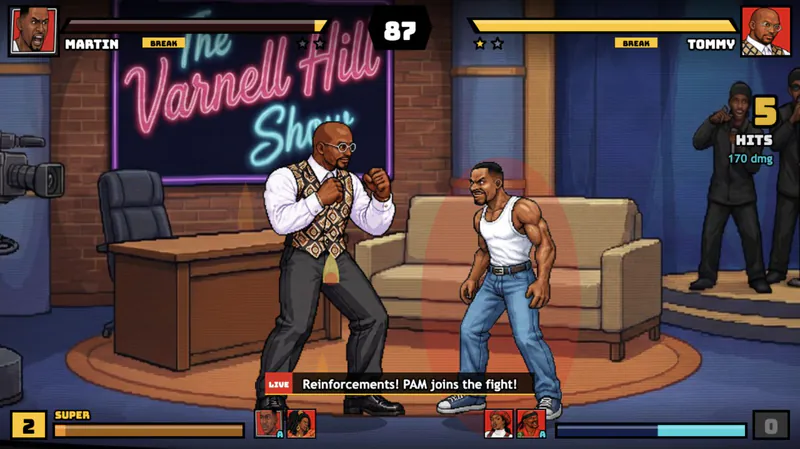
Combat combines fighter-and-sidekick teams with assists, crossovers and team supers. Marvel-style launchers and air combos sit alongside Street Fighter III-style parries. King Beef and the new v18 moves use motion inputs, giving you a reason to consult the move list instead of assuming every character works through the same shortcut. Arcade, Story, Versus, Training and Online offer different ways to use that system.
The Bank of Detroit ATM is both a new arena setting and the focus of a separate bonus stage. In the arena’s background scenes, Ms. Jerry gets her money in round one, while Dragonfly and Kenji’s ATM routine appears in round two. The bonus challenge changes the objective to earning dollars through attacks within 50 seconds, with character encounters tied to the amount you make.
Sheneneh’s salon material gets its own attention. Keylolo, Bonquisha and Laquita can join the action, and “Oh No You Didn’t!” calls all three. Myra sits in the pedicure chair and calls for Sheneneh. The II Turbo update also reworks the sand-blaster scene. These comedy sequences accompany a fighting system with super slams that crack the floor; ordinary craters fade while the knockout crater stays.
Explore the fighter portraits and selected arena artwork below, including the Bank of Detroit ATM. The game is in Early Access, so check the current move list for the version you are playing.
II Turbo Fighter Portraits
Meet the twelve characters featured in this continuation, including King Beef and Otis.

Martin

Gina

Pam

Cole

Tommy

Sheneneh

Varnell Hill

Jerome

Bruh-Man

Dragonfly Jones

King Beef

Otis
Bank security guard with nightstick attacks and a two-bar super.
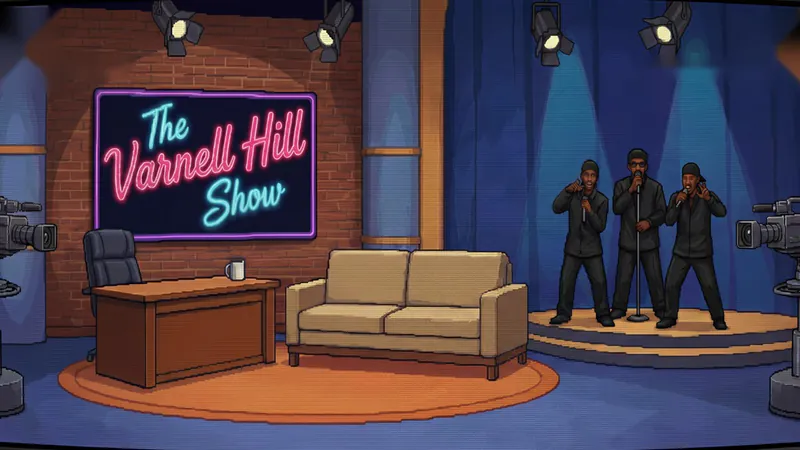
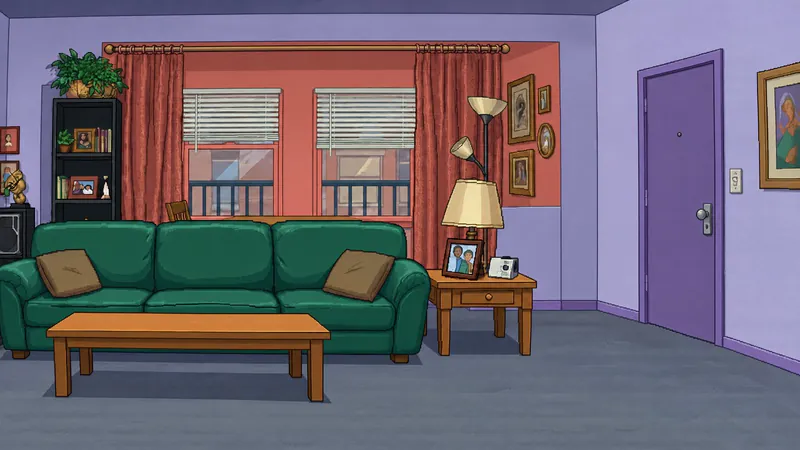
Arena Background Artwork
Selected game backgrounds, including the Bank of Detroit ATM. These are arena artworks rather than match screenshots.

Bank of Detroit ATM
The bank setting introduced alongside Otis, also used for the timed ATM challenge.
The Varnell Hill Show
Martin’s Apartment

Dragonfly’s Dojo
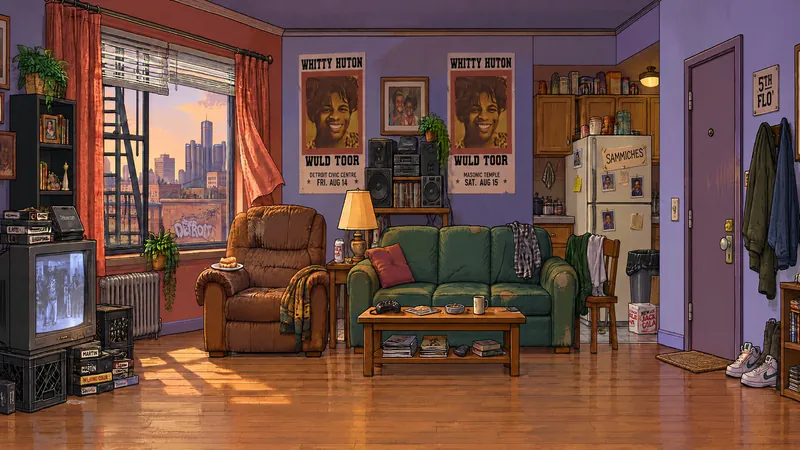
The Fifth Flo’

The Playa’s Ball
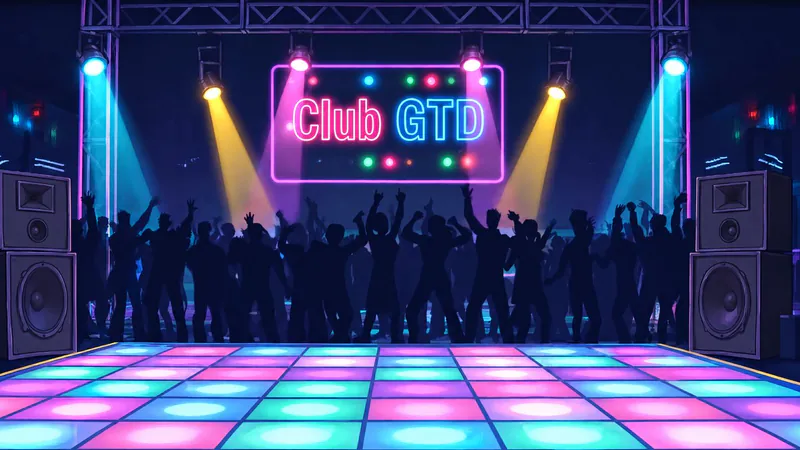
Club GTD

Sheneneh’s Salon

Nipsey’s
How to Play Martin: No Filter Fighters II Turbo
Controls
Click Play Now above, then click Play on the Game Jolt page to launch the latest browser version listed there. Training is the best place to learn a fighter before a full Arcade run. Pick your main fighter and a sidekick, then practice movement, one basic attack and one defensive response separately. A sidekick works best when you call it at the right moment, not when you press every button at once.
Open the pause move list when you need character-specific attacks. The special and super buttons are only part of the system: King Beef and the newer v18 moves also use Street Fighter-style motion inputs. Launchers and air combos reward turning a grounded opening into an aerial follow-up, while parries give you a timed defensive option. Start with a short sequence you can repeat before trying a longer combo.
Choose your pace deliberately. Settings > GAME > Game speed offers NORMAL and TURBO from one to four stars, reaching up to 1.5× speed. Learn a new move at NORMAL, then raise the setting when you want a faster match. In Online mode, the host’s speed applies to both players, so agree on a setting before treating a rematch as a fair comparison.
Team choice can matter beyond your favorite character. Version 18.5 adds chemistry for Martin with Gina or Pam, Pam with Cole or Tommy, Tommy with Cole, and King Beef with the women. Some pairings perform better and some worse; try the combinations rather than assuming every familiar couple gives a bonus. Martin and Pam also share the team super “That Ain’t No Damn Puppy!”
For a different challenge, select Bonus Stage from the main menu and choose a fighter. You have 50 seconds to attack the Bank of Detroit ATM and build a dollar total. Hits earn money, but combos and supers earn more, so plan a sequence instead of spending the whole timer on isolated attacks. Money milestones can bring other characters into the encounter.
On a phone, turn the device sideways and use the touch controls. On PC, use the keyboard or a controller; the pause move list can display Xbox or PlayStation buttons and follows your remaps. The first browser load is about 77 MB, so Wi-Fi is a practical choice on mobile.
Game Features
- NORMAL and four Turbo speed levels, reaching up to 1.5× speed
- Fighter-and-sidekick teams with assists, crossovers, team supers and selected chemistry pairings
- Otis, his bank-security moves and the Bank of Detroit ATM setting
- A 50-second ATM bonus stage with dollar scoring and character encounters
- Launchers, air combos, parries and motion-input moves
- Arcade, Story, Versus, Training and Online modes
- Keyboard, remappable controllers and mobile landscape touch controls
Martin: No Filter Fighters II Turbo Gameplay Videos
Watch an II Turbo update showcase and a longer Otis gameplay session. These videos cover the continuation rather than the earlier original-game showcases.
II Turbo Questions and Answers
Where can I play Martin: No Filter Fighters II Turbo?
Click Play Now above to open the game page, then click Play there to launch the latest browser version listed. You can play on a desktop or turn your phone sideways for touch controls; no game download is needed for browser play.
Is II Turbo the same as the original No Filter Fighters?
It is a continuation published by Perfect Squared Inc. / Tavon_The_Sage and credits TDHampton Productions as the original developer. Its update notes cover adjustable Turbo speed, Otis and the ATM bonus stage. The original already has sidekick teams and online versus.
How do I change Turbo speed?
Open Settings > GAME > Game speed, then choose NORMAL or TURBO with one to four stars. The fastest setting reaches up to 1.5× speed, and Online matches follow the host’s setting.
What happens at $2,500 and $4,000 in the ATM bonus stage?
Reaching $2,500 brings Dragonfly after the money; at $4,000, Otis backs you up because he thinks Dragonfly is responsible. Defeat Dragonfly and Kenji appears over the $80 he is owed. If you chose Dragonfly, Otis comes after you instead.
Can I play on a phone or with a controller?
Yes. Phones use automatic landscape touch controls. PC controllers work alongside the keyboard, and the pause move list shows Xbox or PlayStation buttons and follows remaps.
Can I play online, and do versions need to match?
Online is one of the available modes. Players using the downloaded Windows build should keep their versions matched; the host’s Turbo speed applies to both players. Check your version before arranging a match.