LibreCorsa Simulator Game – Play Online
Play the LibreCorsa simulator game in your browser. Drive four circuits, tune open-wheel or GT3 cars, practice against ghosts, race AI or join peer-to-peer sessions.












About LibreCorsa
- Category
- Simulator Games
- Platform
- Web browser
- Mode
- Circuit racing simulator
- Developer
- KhazP
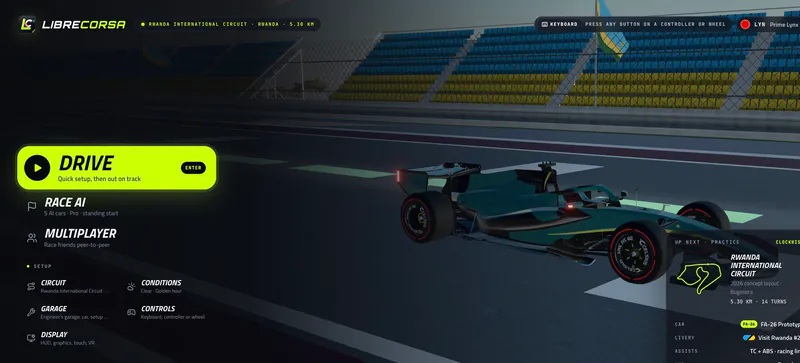
LibreCorsa is an open-source browser racing simulator with a 500 Hz fixed-step vehicle model, a thermal tyre system, changing weather and 2026 active aero. It includes open-wheel cars and a Mercedes-AMG GT3, along with practice, AI races, ghosts, replays and lap summaries.
The four circuits are Rwanda International Circuit (5.30 km), Suzuka (5.83 km), Shanghai (5.44 km) and Mobility Resort Motegi (4.78 km). Practice tools show lap and sector timing, a live delta and a saved best-lap ghost. Race AI uses a five-car field; multiplayer connects peers through WebRTC using a six-character room code or manual offer/answer setup.
Keyboard, gamepad and touch controls are supported, as are racing wheels through browser APIs; force feedback is experimental for some devices and may require a separate Windows bridge. LibreCorsa is an independent fan project, not an official Formula 1, FIA, team or circuit product.
Circuits and Race Scenes
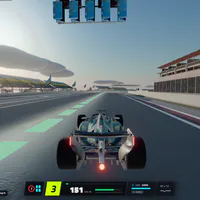
Images from LibreCorsa circuits and simulator views.
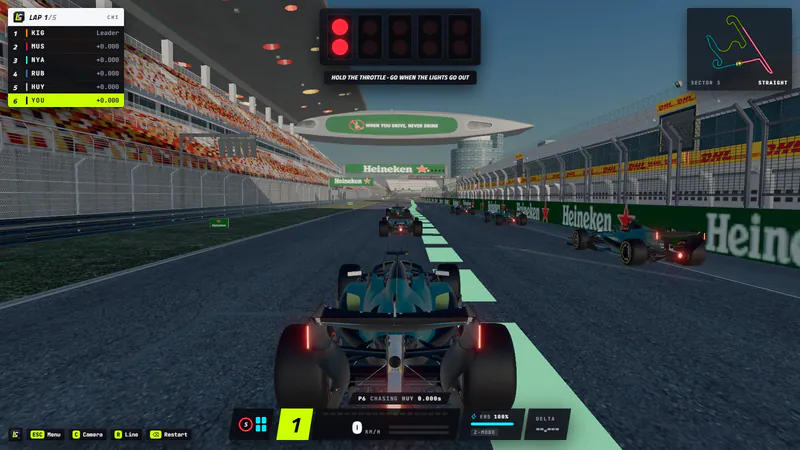
Shanghai Race Grid
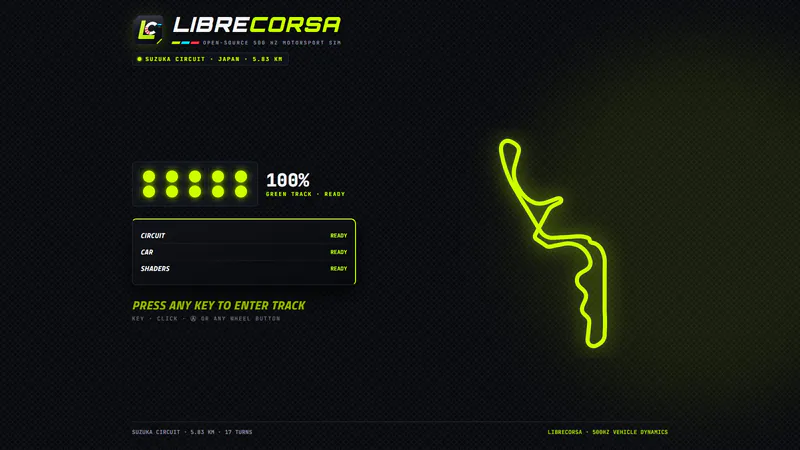
Suzuka Circuit
How to Play the LibreCorsa Simulator Game
Controls
From the main menu, choose Drive for practice, Race AI for a five-car field, or Multiplayer for peer-to-peer racing. Select a circuit, car and available setup options before heading out.
On keyboard, W or Up accelerates, S or Down brakes, and A/D or the arrow keys steer; E/Q shift gears. Space, Shift or B applies manual boost on supported cars. Open Controls in the menu to review or change bindings.
Game Features
- Four circuits, including Rwanda International Circuit, Suzuka, Shanghai and Motegi
- Open-wheel and Mercedes-AMG GT3 cars
- Practice timing, personal best ghosts and replay
- Five-car AI races and peer-to-peer multiplayer
- Keyboard, gamepad, touch and supported wheel inputs
LibreCorsa FAQ
Where can I play the LibreCorsa simulator game?
Click Play Now above to load the browser simulator. It does not require installation.
What circuits can I drive?
You can drive Rwanda International Circuit, Suzuka, Shanghai and Mobility Resort Motegi.
Does LibreCorsa include AI races and multiplayer?
Yes. Race AI uses a five-car field, and multiplayer offers peer-to-peer rooms with a six-character code or manual connection setup.
Can I use a gamepad or racing wheel?
Gamepads, touch and wheels are supported. Force feedback is experimental for some hardware and may require a Windows bridge.
What should I do after the simulator finishes loading?
Enter the menu and choose Drive for practice, Race AI for a five-car race, or Multiplayer for peer-to-peer sessions.
Is LibreCorsa an official Formula 1 game?
No. LibreCorsa is an independent fan project and is not affiliated with Formula 1, the FIA, any team or any circuit.