Asciilands Game – Multiplayer Browser Sandbox
Play the Asciilands game as a multiplayer survival sandbox in your browser. Gather resources, craft tools, explore its connected world, and build with other players.
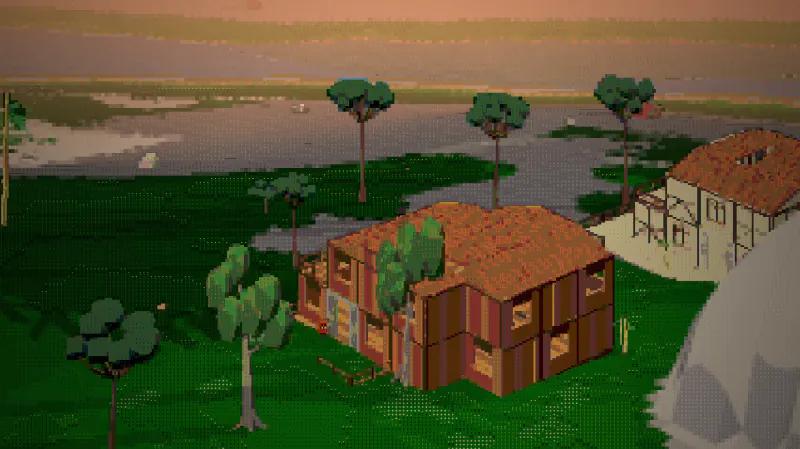
Choose a realm and enter the shared sandbox.
Open Asciilands







A Shared Sandbox of Exploration and Building
- Category
- Adventure Games
- Platform
- Web browser
- Mode
- Multiplayer survival sandbox
- Status
- In active development
Asciilands is a browser-based multiplayer survival sandbox built around gathering, crafting, and player construction. Begin with basic resources, make tools, and gradually take on more involved work such as panning and forging.
The world connects forests, coasts, deserts, and mountains with player-built towns and nations. Choose a realm, meet other builders, and shape a place to return to; the project remains in active development.
Landscapes of the Shared World
See a forested coastline and a player gathering resources among the trees.
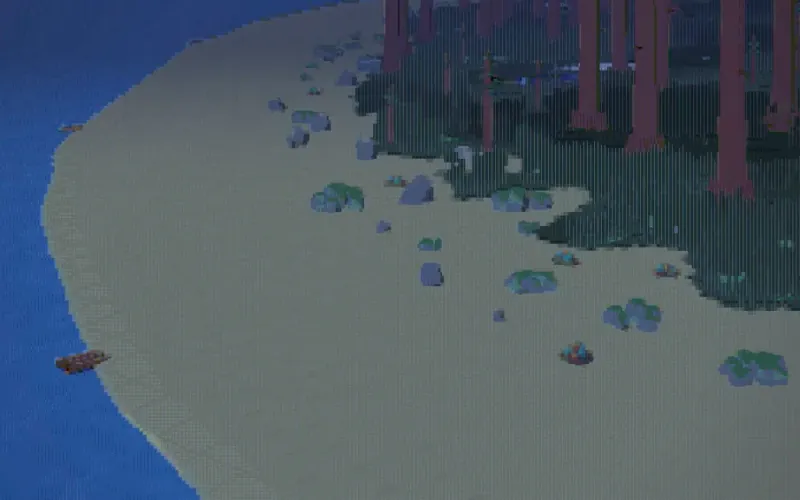
Coastal forest
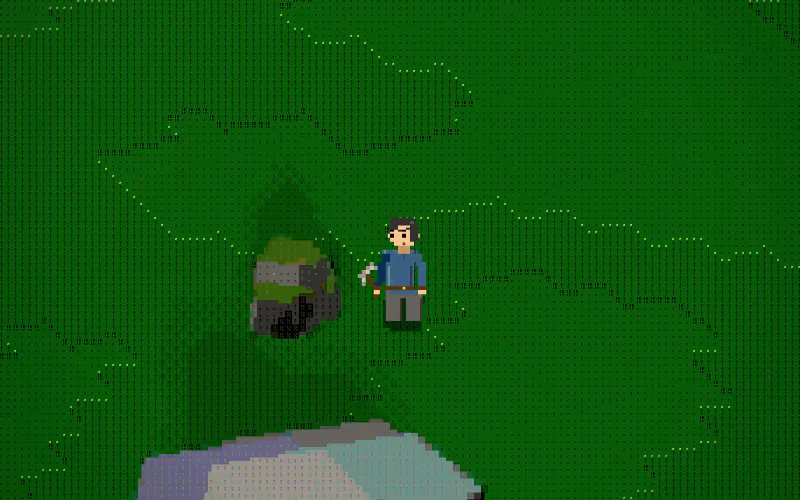
Gathering in the woods
How to Play the Asciilands Game
Controls
Select the Open Asciilands link above to enter Asciilands. Start by gathering wood and stone, then craft basic tools and place a workbench. Prepare a campfire as a respawn point before traveling farther.
To process resources, use a Panning Tray at a water edge and time the action within the green band. Then explore forests, coasts, deserts, and mountains, and build alongside other players.
Game Features
- Gather materials and craft tools in a shared world
- Explore forests, coasts, deserts, and mountains
- Build structures and towns alongside other players
- Try panning and forging to process resources
- Set a respawn point before heading farther from camp
Asciilands Gameplay Videos & Long Play
Asciilands Game FAQ
How do I get started in Asciilands?
Gather nearby wood and stone, craft basic tools, place a workbench, and prepare a campfire. Set a respawn point before traveling farther into the connected world.
What are the main Asciilands controls?
Move with W/A/S/D, jump with Space, sprint with Shift, and use F for nearby stations, doors, chests, or harvestable objects. C opens crafting; B enters building mode.
What can I explore and build?
The connected sandbox includes forests, coasts, deserts, and mountains, with shared spaces where players build towns and nations. Gathering, crafting, and exploration tie those regions together.
What happens to a guest character?
A guest character stays tied to the browser where you created it unless you link it by signing in with Discord.
Where can I play Asciilands?
You can play Asciilands at https://asciilands.io/play/ — choose a realm and start exploring. The sandbox centers on exploration, resource gathering, crafting, and player construction.